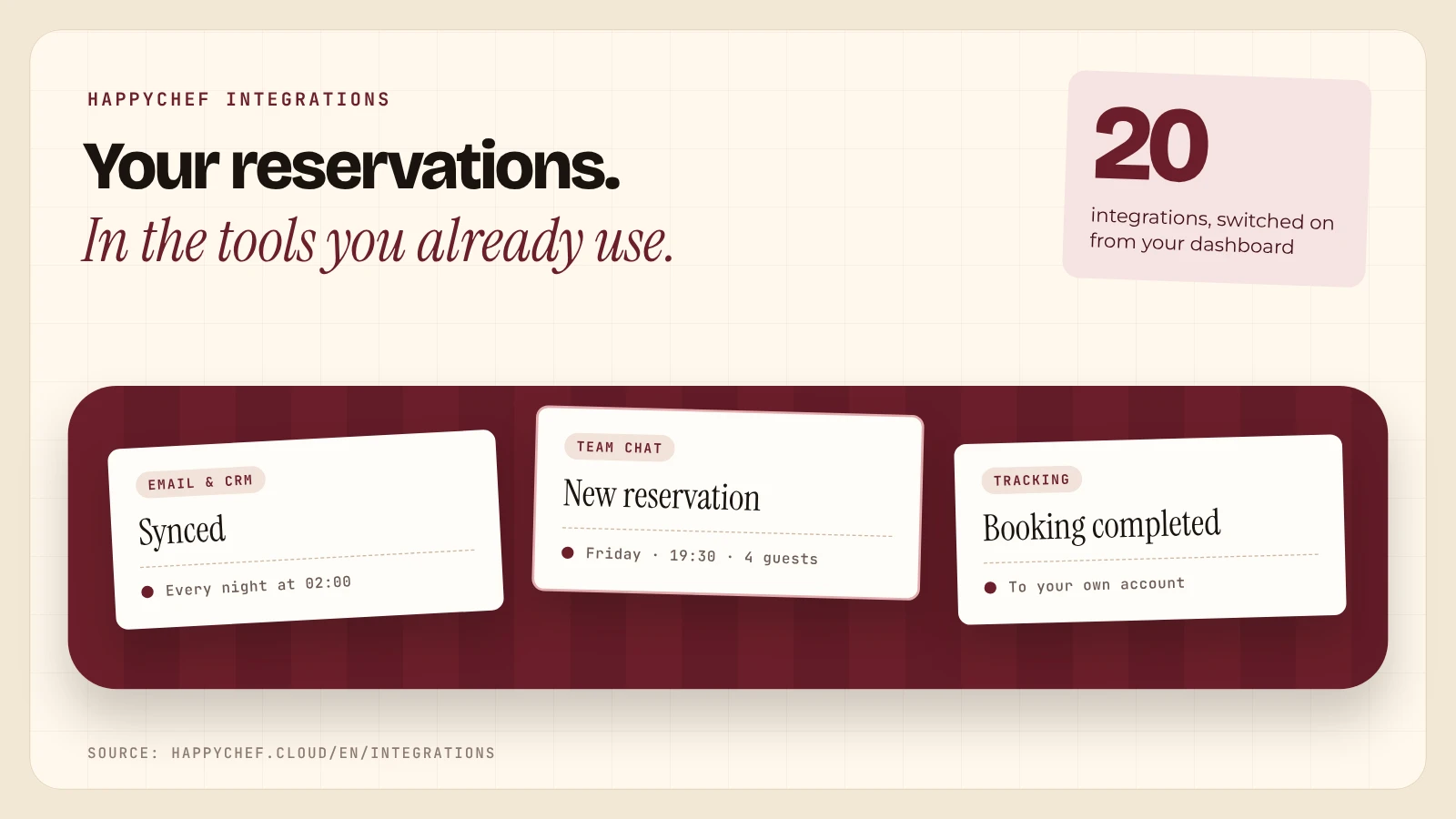
Anyone who runs several venues or likes to steer by numbers rarely works with a single program. The guest list lives in a mailing tool, the team talks in a chat, and the website runs its own tags. HappyChef brings the reservations to those tools, instead of adding yet another screen.
Four Groups, Twenty Connections
| Group | Count | What it does |
|---|---|---|
| Email marketing and CRM | 10 | Guest contacts to HubSpot, Mailchimp or Brevo, among others |
| Reservation notifications | 6 | A message in Slack, Discord, Google Chat or Telegram |
| Website tracking | 3 | Google Analytics 4, Google Tag Manager and Meta Pixel |
| Partners | 1 | Free tables as a last-minute deal on Yeat |
Guests Who Gave Consent, Updated Every Night
The mailing and CRM connections sync every night at 02:00, or straight away with a click on Sync now. By default only guests who agreed to promotions are included. Name, phone number and the number of visits can come along, so a newsletter can tell regulars from newcomers.
- Notifications of your choice. New, changed or cancelled reservations and waitlist requests: each type switches on or off on its own.
- Privacy in your hands. You choose whether phone, email and the guest's note appear in the team chat, or only name, date, time and party size.
- Webhooks for everything else. Every reservation goes as JSON to Zapier, Make, n8n or your own system, signed with a secret key.
- Open Integrations. In the dashboard: Settings, then Advanced, then Integrations.
- Paste a key or link. HappyChef tests the connection right away and tells you when it works.
- Choose what is sent. List, fields or messages. You can switch it off at any time, and nothing more goes to that tool.
All twenty are in the integrations marketplace, with a search box, a filter per group and a page per integration, in 24 languages. For groups with several venues, the Multiple Locations page shows how everything comes together in one overview. Founder Thibault Van de Sompele builds the connections at owners' request.
HappyChef is easy to use, has a very good price, and a friendly, approachable team.
Live At Stand 4029
From 15 to 18 November 2026 HappyChef is at Horeca Expo in Flanders Expo, Ghent, on stand 4029. There the team connects a team chat and a mailing tool to a test venue, live.