

In this article
Your lasagne to take away, your house wine or a gift box for the holidays: with the Shop you sell online from your own HappyChef dashboard. No monthly fee, and no commission on your own prices.
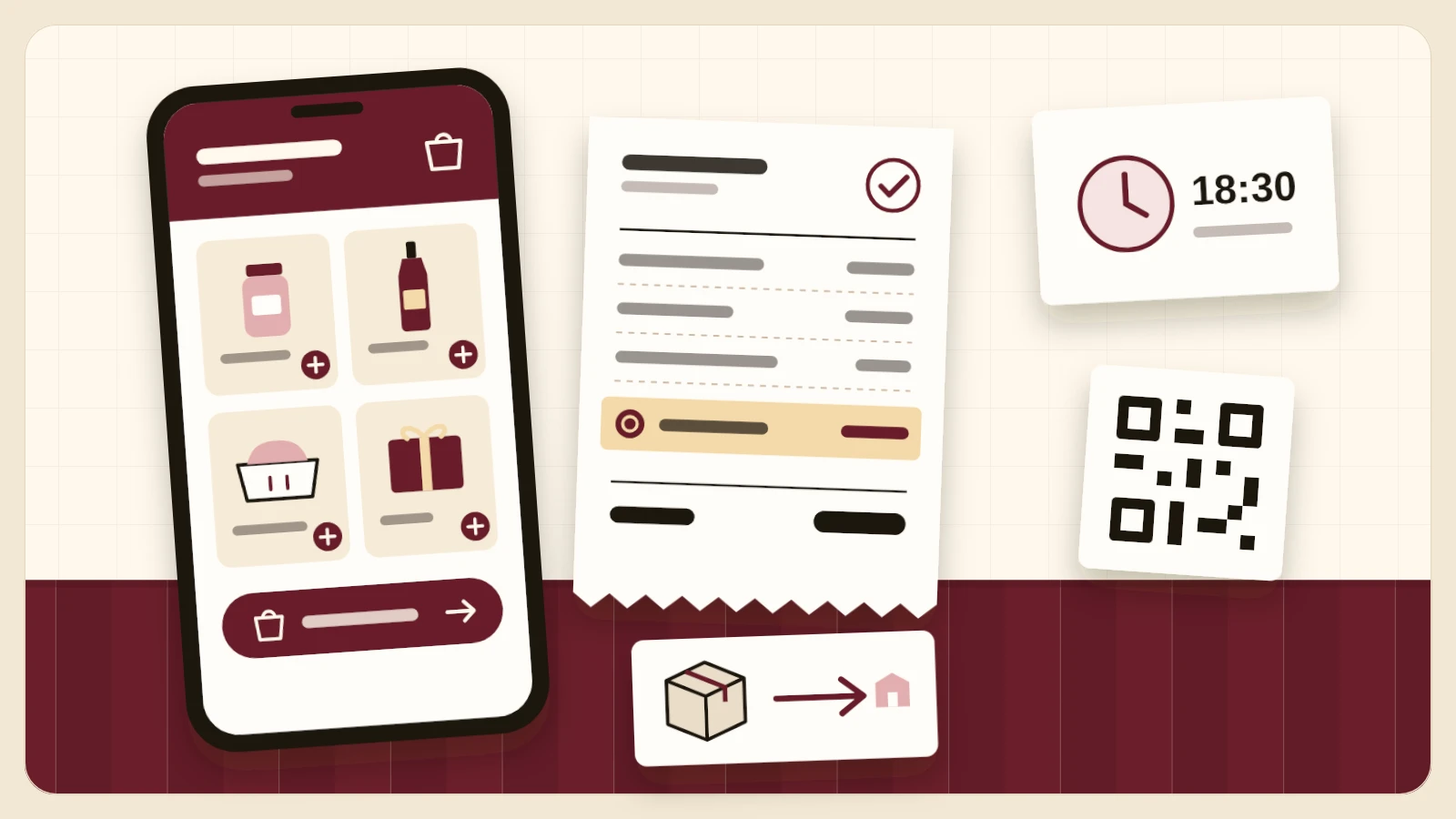
What It Does
The Shop gives your restaurant an ordering page of its own. You choose how you sell, and you can switch later.
- Take-Away. Guests order food and drinks and pick a day and a time slot to collect, for example 18:30–18:45. Every order gets a pickup QR code.
- Webshop. Sell sauces, wine, gift boxes or merchandise, shipped to an address or picked up. With a tracking link, an expected delivery date and the 14-day withdrawal right built in.
- Paid online. Guests pay with Bancontact, and Stripe pays the money into your own account.
- Your prices stay your prices. You pay €0 a month. The guest pays €1.50 per order on top of your prices, and you receive exactly your own prices.
How to Switch It On
- In your dashboard, go to Settings › Advanced › Add-Ons.
- Under Take-Away & Webshop, tap Enable Shop and choose take-away or webshop.
- Tap Set Up My Shop, add your products and set your pickup hours or your shipping.
- Open your shop and share the link with your guests.
For take-away you set the preparation time, how far ahead guests can order and until when they can order for today. If you switch the Shop off, your products and orders are kept.
Who It Is For
For restaurants in Belgium on a paid HappyChef plan that want to offer take-away, or sell something guests take home. Read more about both on Take-Away and Webshop.