

In this article
Your best guests are glad to leave a review. The new Review Booster removes the last hurdle: whoever gives your restaurant a top score lands straight on the review page you choose.
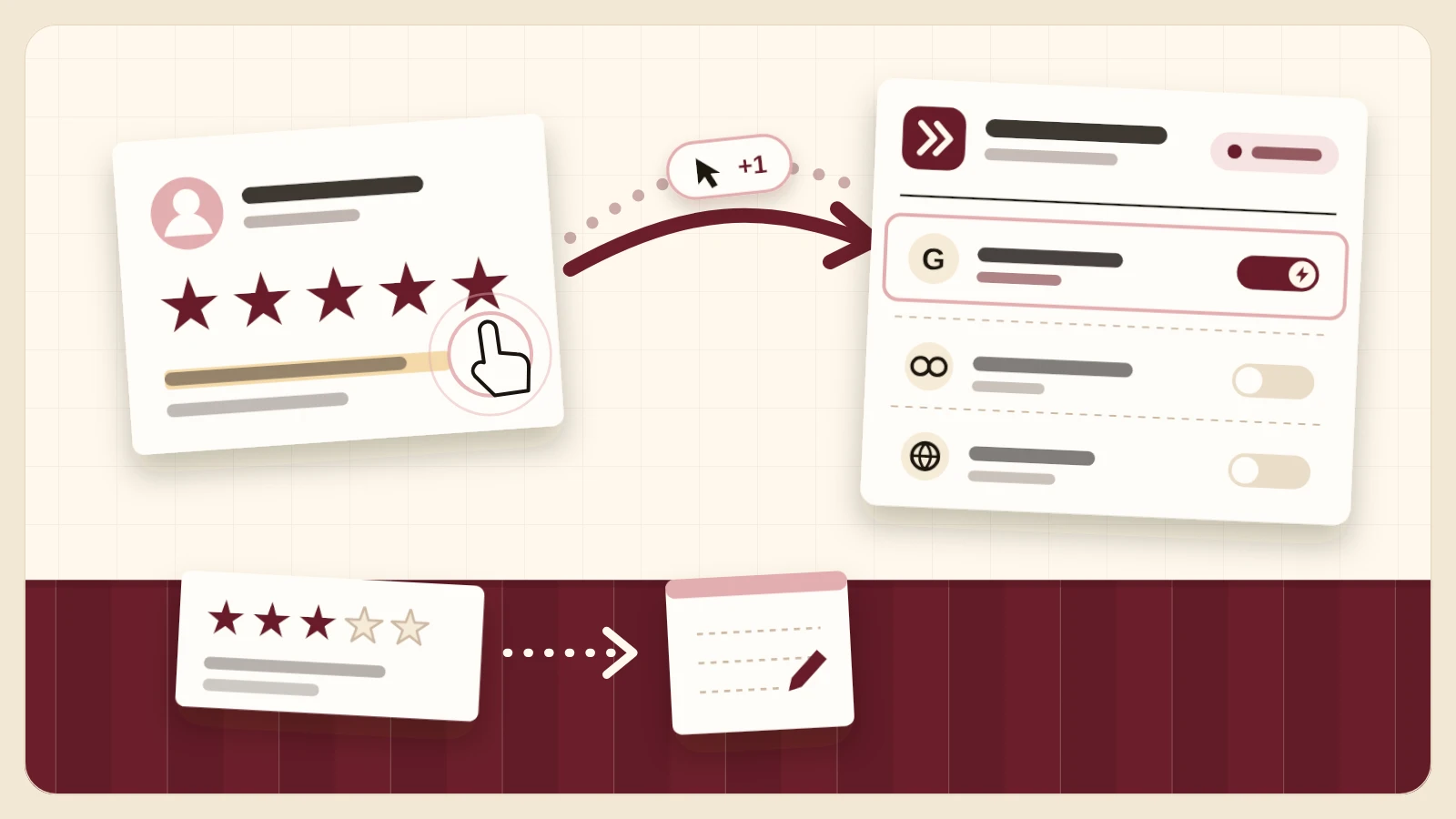
What It Does
After a visit, HappyChef asks your guests for a score. Until now, happy guests landed on a HappyChef page and picked where to write their review. With the Review Booster you choose one channel, and guests with a high score go straight there.
- One channel at a time. Google, Tripadvisor or your own review site. Boost another channel and it takes the place of the first.
- You set the threshold. Send on only guests with 5 stars, or guests with 4 or 5 stars.
- Every click counted. We register the click before we send the guest on.
- Lower scores, as before. Guests who were less happy get your own feedback form, so you hear what could be better.
How to Switch It On
- Log in to your dashboard and go to Settings › Reviews.
- Make sure the channel you want to boost is switched on and has a link.
- Under Review Booster, tap that channel and confirm with Activate Booster.
- Choose whether the booster starts at 5 stars or at 4 stars.
Switching it off is one tap on the same channel. If the channel loses its link, the booster pauses by itself and your guests see the usual HappyChef page again.
Who It Is For
For every restaurant that wants its good experiences in one place, for example on Google, where new guests look you up first. The Review Booster comes with every paid plan. On the free Start plan you can see it, but it is locked.