

In this article
A tip splitter for your team, a page for your Christmas menu, a tool that makes a CSV export readable. With Code Studio you build things like that yourself, by telling Lotte what you need.
What It Does
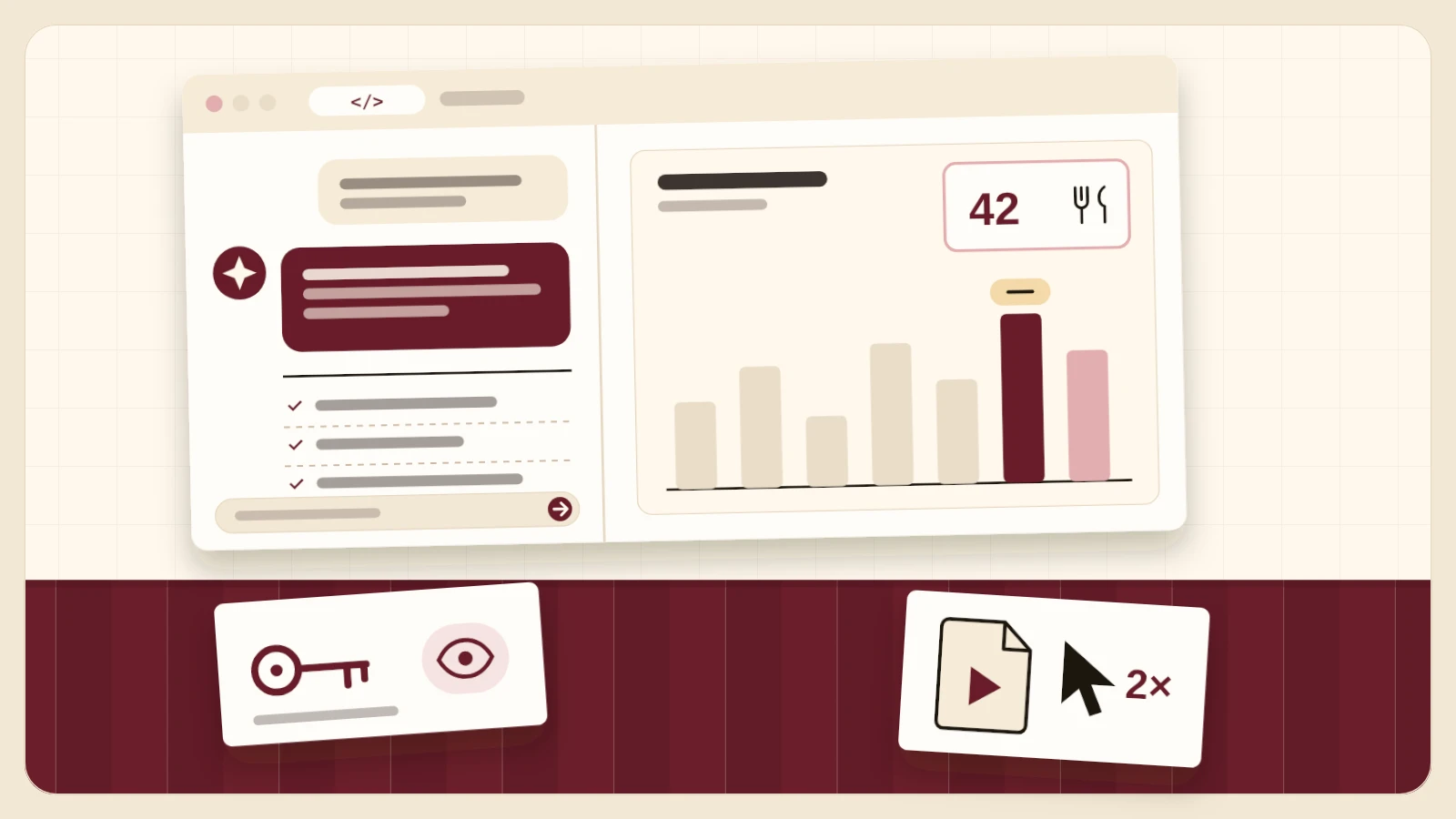
Code Studio is an AI coding studio inside your dashboard. You describe what you want in plain words, Lotte writes the code, and a working preview appears on the right. Want something changed? Say so, and she adjusts it.
- Start from a template. A blank project, a landing page, a menu, a small web app or a tool for CSV data.
- Every version kept. The version history records each step, so you can always go back.
- Yours to keep. Download a project as a ZIP. Double-click Code Opstarten and it runs on your own computer (with Node.js 18 or newer).
- Read-only data keys. If a tool needs to read your bookings, it gets a key that is valid for 90 days and can never touch billing, payments, your account or your settings.
How to Open It
- Open Lotte in your dashboard and type /code, or go to Settings › Advanced › Code Studio.
- Pick a template or start with a blank project.
- Describe what you want to build and follow along in the preview on the right.
- Happy with it? Download the project as a ZIP, or carry on later.
Your projects are kept in your browser, on the device you make them on. You can switch a data key off at any time under Application in your dashboard.
Who It Is For
For owners who want something a standard package does not quite offer: a calculator for the kitchen, a page for one event, an overview of your own numbers made to measure. Code Studio is for the owner of the restaurant, on every paid plan. On the free Start plan you can see it, but it is locked.